Data Literacy
Browser DevTools for Non-Developers
Use browser developer tools to troubleshoot and understand web applications.
beginner
1 modules
About This Course
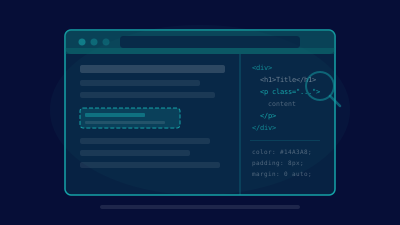
Demystify browser developer tools for non-technical professionals. Learn to inspect page elements, read network requests, identify errors in the console, and troubleshoot common web application issues. No coding experience required.
What You'll Learn
- Navigate the Elements panel to inspect page structure
- Use the Network tab to identify loading and API issues
- Read console messages to spot errors and warnings
- Troubleshoot common web application problems independently
Course Content
1
Browser DevTools for Non-Developers
Elements inspector, network tab, console basics, and troubleshooting workflows
Log In to Enroll
Don't have an account? Sign up
This course includes:
- 1 modules
- Certificate upon completion
- Full lifetime access